 reGOTCHA
返回博客教程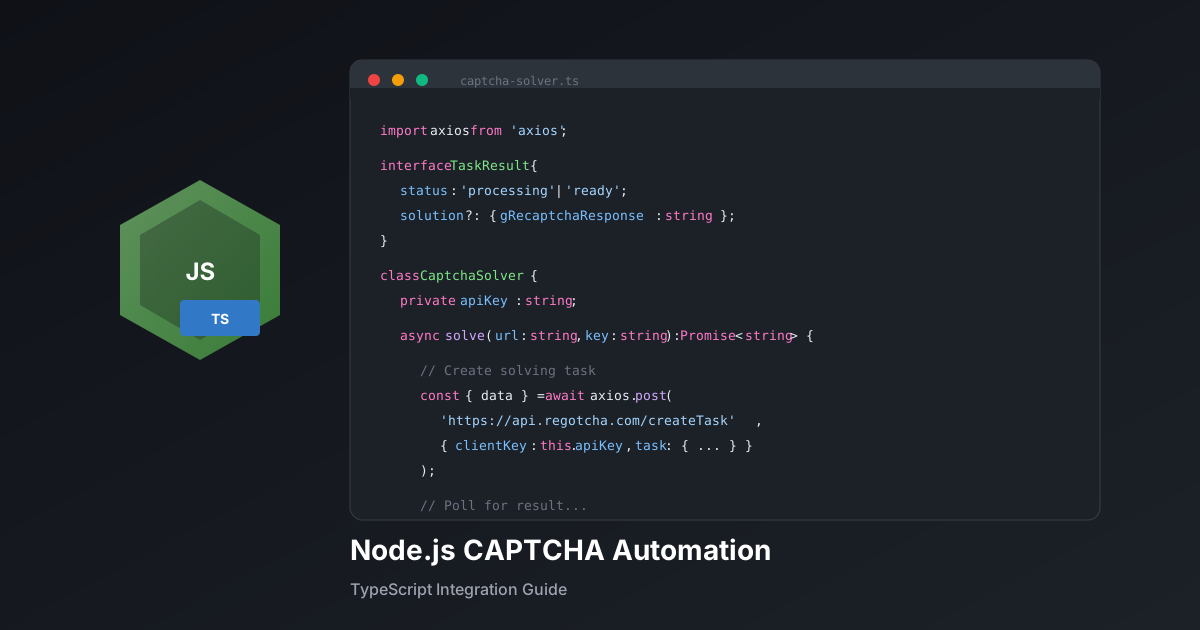
Node.js验证码自动化:完整集成指南
使用TypeScript、async/await模式和Puppeteer集成为您的Node.js应用构建强大的验证码解决方案。
reGOTCHA团队2025年12月18日7分钟 阅读
安装
terminal
npm install axios puppeteerTypeScript 验证码客户端
example.ts
import axios from 'axios';

interface TaskResponse {
  errorId: number;
  taskId?: string;
  errorDescription?: string;
}

interface ResultResponse {
  status: 'processing' | 'ready';
  solution?: { gRecaptchaResponse: string };
  errorId?: number;
  errorDescription?: string;
}

class CaptchaSolver {
  private apiKey: string;
  private baseUrl = 'https://api.regotcha.com';

  constructor(apiKey: string) {
    this.apiKey = apiKey;
  }

  async solve(
    websiteUrl: string,
    websiteKey: string,
    action: string = 'submit',
    timeout: number = 120000
  ): Promise<string> {
    // 创建任务
    const { data: taskData } = await axios.post<TaskResponse>(
      `${this.baseUrl}/createTask`,
      {
        clientKey: this.apiKey,
        task: {
          type: 'ReCaptchaV3EnterpriseTaskProxyless',
          websiteURL: websiteUrl,
          websiteKey: websiteKey,
          pageAction: action,
        },
      }
    );

    if (taskData.errorId) {
      throw new Error(taskData.errorDescription || '任务创建失败');
    }

    const taskId = taskData.taskId!;
    const startTime = Date.now();

    // 轮询结果
    while (Date.now() - startTime < timeout) {
      const { data: result } = await axios.post<ResultResponse>(
        `${this.baseUrl}/getTaskResult`,
        { clientKey: this.apiKey, taskId }
      );

      if (result.status === 'ready') {
        return result.solution!.gRecaptchaResponse;
      }

      if (result.errorId) {
        throw new Error(result.errorDescription || '解决失败');
      }

      await new Promise((r) => setTimeout(r, 2000));
    }

    throw new Error('等待验证码解决超时');
  }
}

export { CaptchaSolver };
Puppeteer 集成
example.ts
import puppeteer from 'puppeteer';
import { CaptchaSolver } from './captcha-solver';

async function automateLogin() {
  const browser = await puppeteer.launch({ headless: 'new' });
  const page = await browser.newPage();
  const solver = new CaptchaSolver(process.env.REGOTCHA_API_KEY!);

  await page.goto('https://example.com/login');

  // 从页面获取 site key
  const siteKey = await page.evaluate(() => {
    const script = document.querySelector('script[src*="recaptcha"]');
    return script?.getAttribute('src')?.match(/render=([^&]+)/)?.[1];
  });

  if (!siteKey) throw new Error('未找到 site key');

  // 解决验证码
  const token = await solver.solve(
    page.url(),
    siteKey,
    'login'
  );

  // 注入 token
  await page.evaluate((t) => {
    const input = document.querySelector('[name="g-recaptcha-response"]');
    if (input) (input as HTMLInputElement).value = t;
  }, token);

  // 提交表单
  await page.click('button[type="submit"]');
  await page.waitForNavigation();

  console.log('登录成功!');
  await browser.close();
}

automateLogin().catch(console.error);
错误处理模式
example.ts
import { CaptchaSolver } from './captcha-solver';

async function solveWithRetry(
  solver: CaptchaSolver,
  url: string,
  key: string,
  action: string,
  maxRetries: number = 3
): Promise<string> {
  let lastError: Error | null = null;

  for (let attempt = 1; attempt <= maxRetries; attempt++) {
    try {
      return await solver.solve(url, key, action);
    } catch (error) {
      lastError = error as Error;
      console.log(`第 ${attempt} 次尝试失败: ${lastError.message}`);

      if (attempt < maxRetries) {
        await new Promise((r) => setTimeout(r, 2000 * attempt));
      }
    }
  }

  throw lastError;
}最佳实践:始终仔细处理 token 注入时机 - 某些网站会立即验证 token, 而其他网站只在表单提交时检查。
Node.jsTypeScriptPuppeteer教程