 reGOTCHA
Back to BlogTips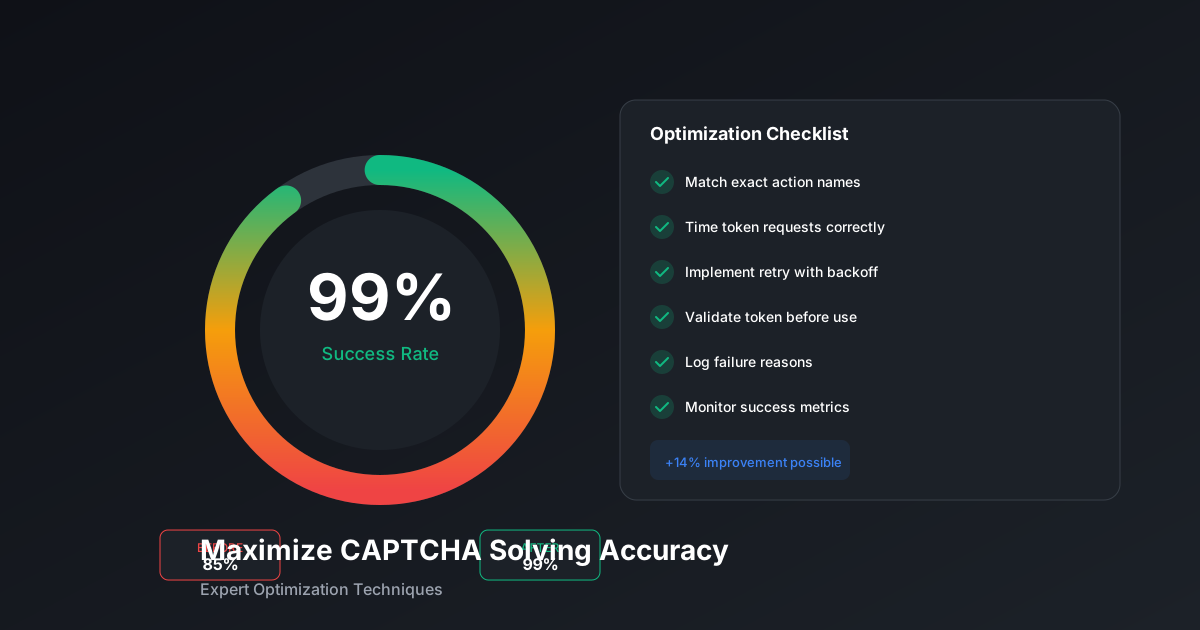
Maximize CAPTCHA Solving Accuracy: Expert Optimization Tips
Boost your success rates from 85% to 99% with proper timing, error handling, and intelligent retry strategies.
reGOTCHA TeamDecember 16, 20254 min read
Understanding Success Rates
A typical unoptimized integration achieves 75-85% success rates. With proper optimization, you can reach 95-99%. Here's how.
1. Match Action Names Exactly
The action parameter in reCAPTCHA v3 must match exactly what the target site uses:
example.py
# Wrong - generic action
task = {"pageAction": "submit"}

# Right - match the site's exact action
task = {"pageAction": "homepage_newsletter_subscribe"}
Find the action by inspecting network requests or the site's JavaScript.
2. Timing Your Token Usage
reCAPTCHA tokens expire after 2 minutes. Solve timing matters:
- Too early: Token expires before form submission
- Too late: User waits too long, abandons action
- Just right: Solve starts when user begins form, token ready by submit
3. Implement Intelligent Retries
example.py
async def solve_with_smart_retry(solver, params, max_attempts=3):
    for attempt in range(max_attempts):
        try:
            token = await solver.solve(**params)

            # Verify token is valid before using
            if len(token) < 100:
                raise ValueError("Token too short, likely invalid")

            return token

        except Exception as e:
            if attempt == max_attempts - 1:
                raise

            # Exponential backoff
            await asyncio.sleep(2 ** attempt)

            # Try different solver parameters on retry
            if "timeout" in str(e):
                params["timeout"] = params.get("timeout", 60) + 30
4. Validate Before Submission
Don't blindly use tokens - verify they meet basic validity checks:
example.py
def validate_token(token: str) -> bool:
    # reCAPTCHA v3 tokens have specific characteristics
    if not token or len(token) < 100:
        return False

    # Tokens are base64-like
    if not token.replace('-', '+').replace('_', '/').isalnum():
        return False

    return True
5. Monitor and Adjust
Track your success rates over time and adjust thresholds:
example.py
class SolverMetrics:
    def __init__(self):
        self.attempts = 0
        self.successes = 0
        self.failures_by_type = {}

    def record(self, success: bool, error_type: str = None):
        self.attempts += 1
        if success:
            self.successes += 1
        elif error_type:
            self.failures_by_type[error_type] = \
                self.failures_by_type.get(error_type, 0) + 1

    @property
    def success_rate(self) -> float:
        return self.successes / self.attempts if self.attempts > 0 else 0
Quick Wins Checklist
- ✅ Use exact action names from target site
- ✅ Request tokens 10-30 seconds before needed
- ✅ Implement 2-3 retry attempts with backoff
- ✅ Validate token length before using
- ✅ Log failure reasons for analysis
- ✅ Monitor success rates over time
Pro Tip: Some sites check the reCAPTCHA score server-side. If you consistently get low scores, try varying your solving approach or using browser-based solutions like reGOTCHA.
OptimizationSuccess RateTipsPerformance
Ready to solve CAPTCHAs at scale?
Get started with 50 free credits. No credit card required.