 reGOTCHA
Back to BlogGuide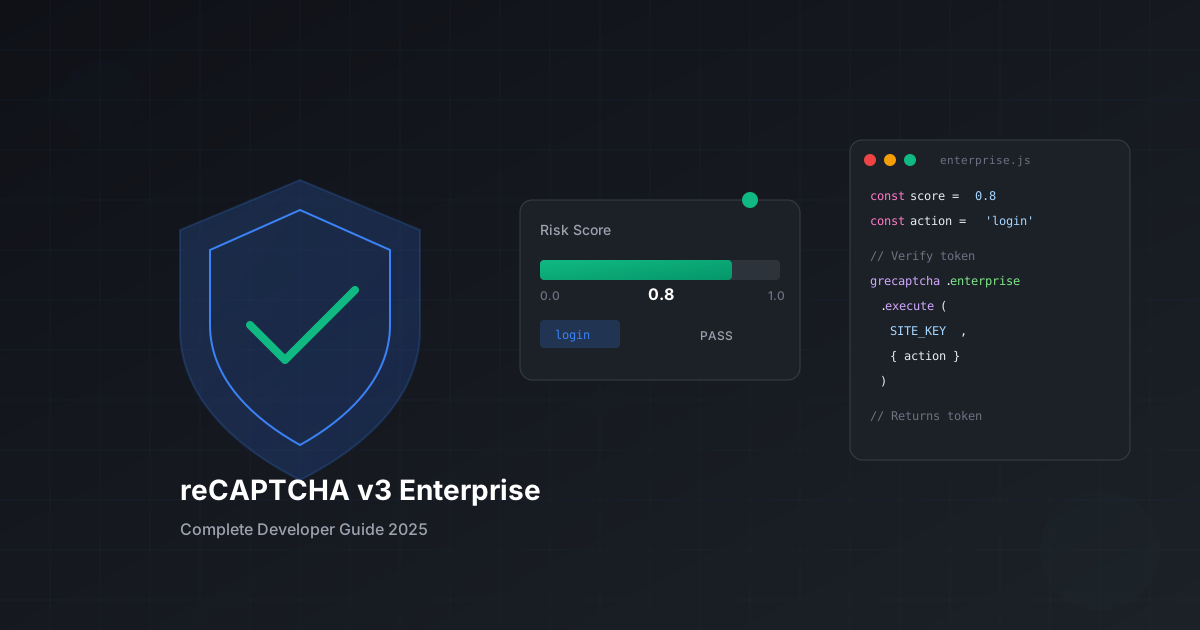
reCAPTCHA v3 Enterprise: Complete Developer Guide 2025
Master reCAPTCHA v3 Enterprise implementation with risk scoring, action tracking, and best practices for high-traffic applications.
reGOTCHA TeamDecember 21, 20258 min read
Understanding reCAPTCHA v3 Enterprise
reCAPTCHA v3 Enterprise represents Google's most advanced bot detection system, designed for high-traffic applications requiring granular risk assessment. Unlike v2's checkbox approach, v3 Enterprise operates invisibly, analyzing user behavior to generate risk scores without interrupting legitimate users.
Key Features of v3 Enterprise
- 11-tier risk scoring - Scores from 0.0 to 1.0 with enterprise-grade granularity
- Action-based tracking - Monitor specific user actions like login, checkout, signup
- Advanced bot detection - Machine learning models trained on billions of interactions
- Detailed analytics - Google Cloud Console integration for traffic insights
- Custom thresholds - Configure different score thresholds per action type
Implementation Architecture
A proper v3 Enterprise implementation requires both frontend token generation and backend verification. Here's the recommended architecture:
Frontend Integration
example.js
// Load reCAPTCHA Enterprise script
const script = document.createElement('script');
script.src = 'https://www.google.com/recaptcha/enterprise.js?render=YOUR_SITE_KEY';
document.head.appendChild(script);

// Execute reCAPTCHA on action
async function executeRecaptcha(action) {
  return new Promise((resolve) => {
    grecaptcha.enterprise.ready(async () => {
      const token = await grecaptcha.enterprise.execute(
        'YOUR_SITE_KEY',
        { action }
      );
      resolve(token);
    });
  });
}

// Usage on form submit
const token = await executeRecaptcha('submit_form');
Backend Verification
example.py
import requests

def verify_recaptcha(token, action):
    response = requests.post(
        'https://recaptchaenterprise.googleapis.com/v1/projects/YOUR_PROJECT/assessments',
        headers={'Authorization': f'Bearer {API_KEY}'},
        json={
            'event': {
                'token': token,
                'siteKey': 'YOUR_SITE_KEY',
                'expectedAction': action
            }
        }
    )

    result = response.json()
    score = result['riskAnalysis']['score']

    # Enterprise provides scores 0.0 - 1.0
    # Higher = more likely human
    return score >= 0.5
Risk Score Interpretation
| Score Range | Interpretation | Recommended Action |
|---|---|---|
| 0.9 - 1.0 | Very likely human | Allow without friction |
| 0.7 - 0.9 | Probably human | Allow, monitor for patterns |
| 0.5 - 0.7 | Uncertain | Add verification step |
| 0.3 - 0.5 | Suspicious | Challenge or rate limit |
| 0.0 - 0.3 | Very likely bot | Block or require manual review |
Best Practices
- Use meaningful action names - "checkout", "login", "signup" instead of generic names
- Set appropriate thresholds - Different actions may need different score requirements
- Implement graceful fallbacks - Have backup verification for edge cases
- Monitor analytics - Track score distributions to detect anomalies
- Cache assessments wisely - Tokens expire in 2 minutes, plan accordingly
Pro Tip: When using reGOTCHA for automation testing, always specify the exact action name used by the target site to ensure accurate token generation and higher success rates.
reCAPTCHAEnterpriseSecurityIntegration
Ready to solve CAPTCHAs at scale?
Get started with 50 free credits. No credit card required.